Logging, minus the chore
Four ways to log a meal. All of them fast.
Use whichever fits the moment. Every entry lands in your day with calories and macros, and you can adjust any number.
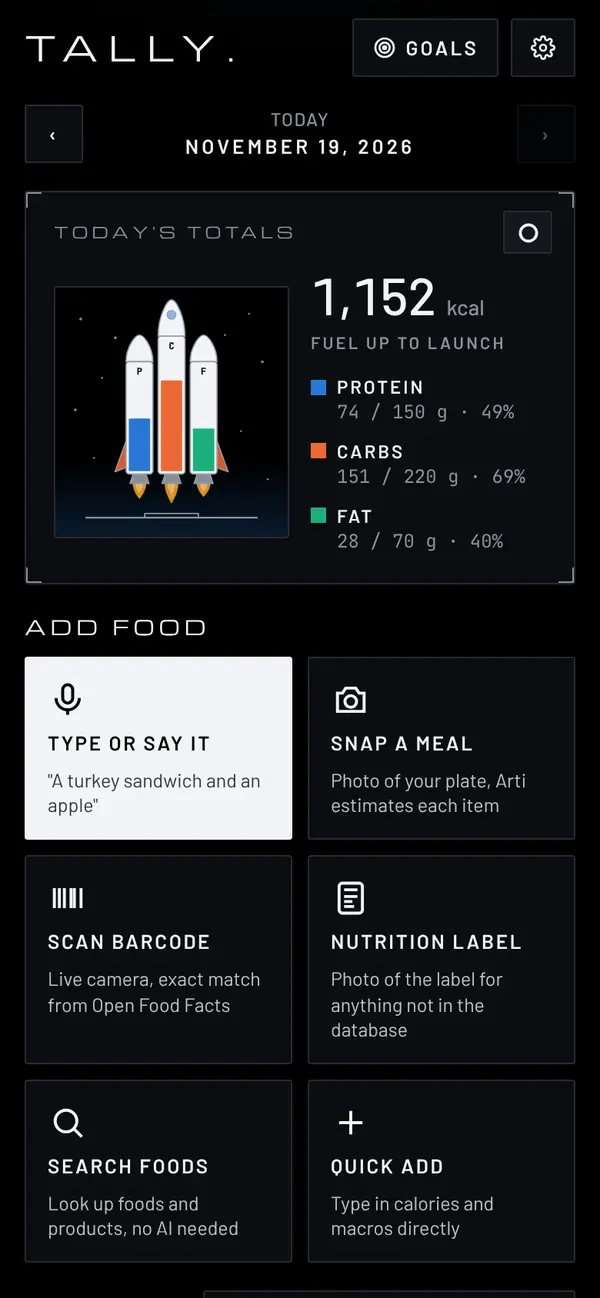
Type or say it
"A turkey sandwich and an apple." Tap the mic or type it, and Arti splits it into items with amounts.
Snap a meal
Take a photo of your plate and Arti estimates each item on it. A photo of a nutrition label works too.
Scan a barcode
Point the camera at a package for the numbers from the label, straight from the Open Food Facts database.
Search foods
Look up plain foods and packaged products by name, with no AI involved. Foods you've logged before show first.
Meet Arti
One sentence in. A full breakdown out.
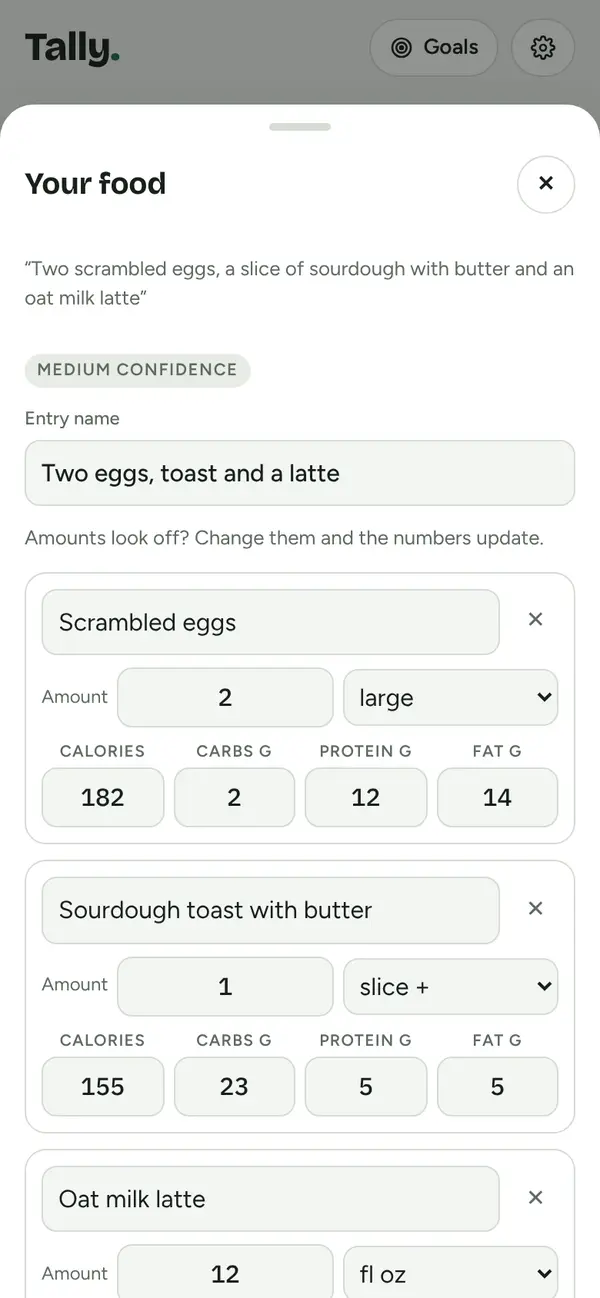
Arti turns what you say, type or photograph into separate items, each with an amount you can change. Change an amount and the numbers follow.
- Not quite right? Tell Arti what to fix, like "it was a large latte", and it redoes the breakdown.
- Add a recipe from a link and save it as a meal, with the number of servings it makes.
- Estimates are a starting point, not medical advice, and you can always edit them.
Goals
Goals where every number adds up.
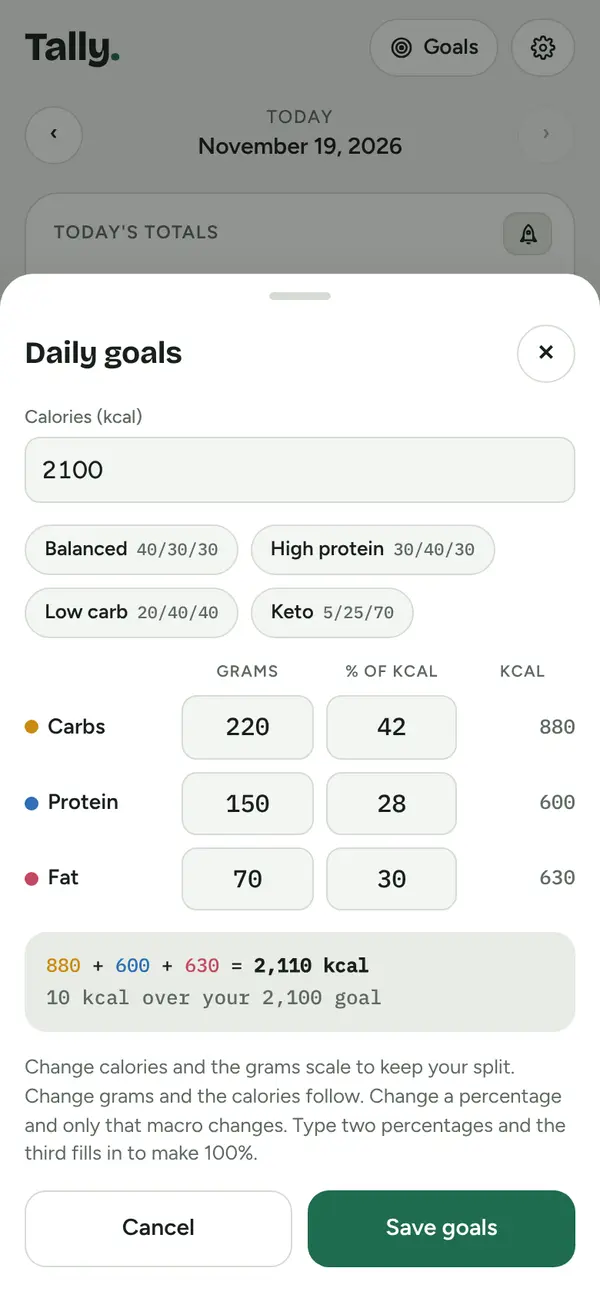
Calories and macro grams stay linked, at 4 calories per gram of protein and carbs and 9 per gram of fat. Change your calories and your split carries over.
- Start from Balanced, High protein, Low carb or Keto, then tweak.
- Set grams or percentages. Type two percentages and Tally fills in the third.
- Calories left counts what your macros really add up to, so nothing slips through.
Macro Rocket
Hit all three targets. Watch it launch.
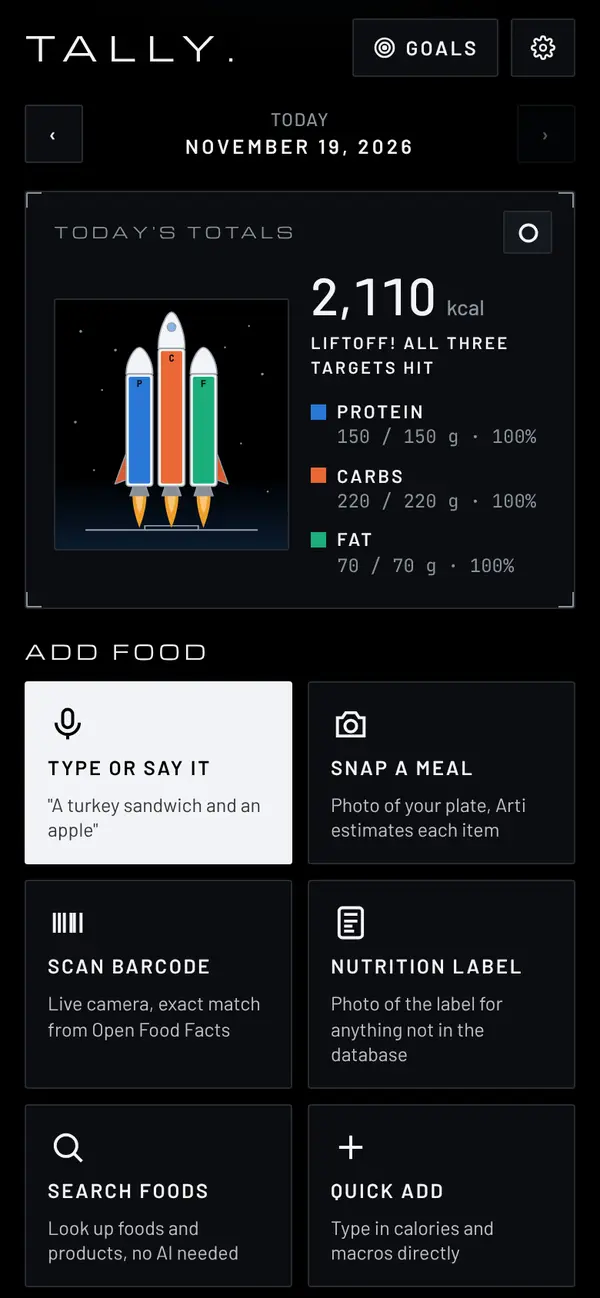
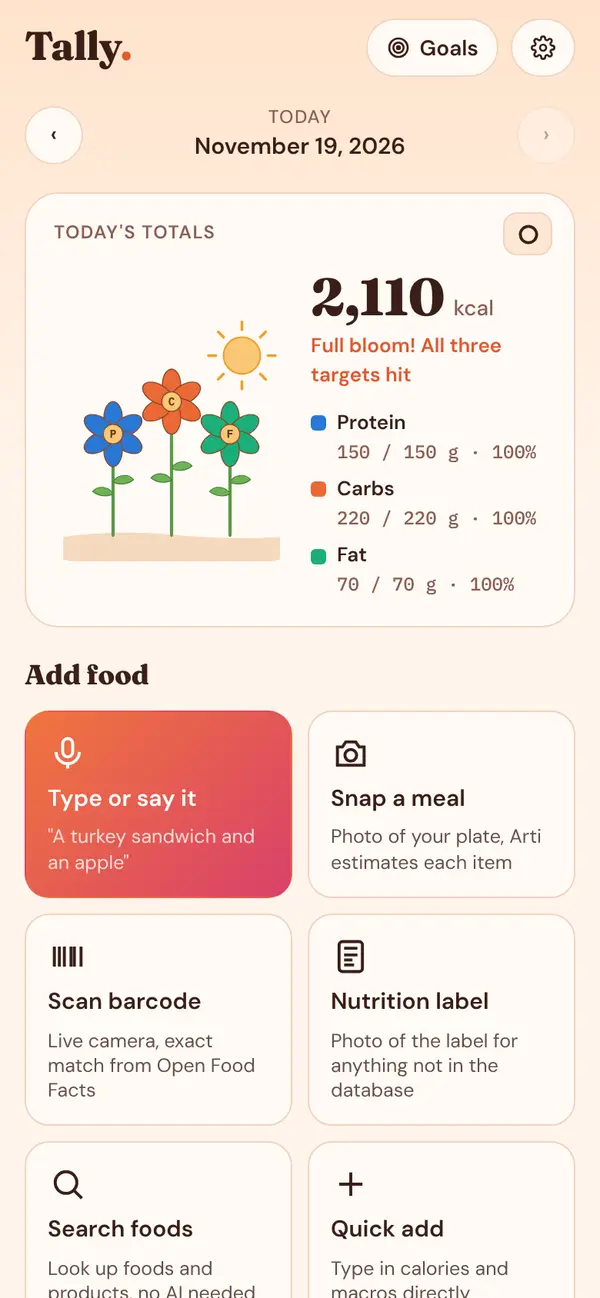
Swap the ring for the Macro Rocket: one booster each for protein, carbs and fat, filling as you eat. When all three are full, it lifts off. In the Sunrise theme, three flowers grow and bloom instead.
Saved meals
Save your usual breakfast or a recipe with all its ingredients and log the whole thing in one tap.
Share a meal by link
Send a saved meal to a friend. The whole meal rides in the link, and they add it with a tap.
Favorites and past days
Star anything to add it again later, or copy a whole meal from yesterday.
Sync without a password
An account is optional. Make one with Face ID, Touch ID or your phone's PIN and your log follows you to every device.
Your data stays yours
Your log is saved on your phone unless you choose to sync it, and you can export all of it any time.
Opens instantly
Full screen from your home screen, and the log works offline. Arti and food lookups need a connection.
Make it yours
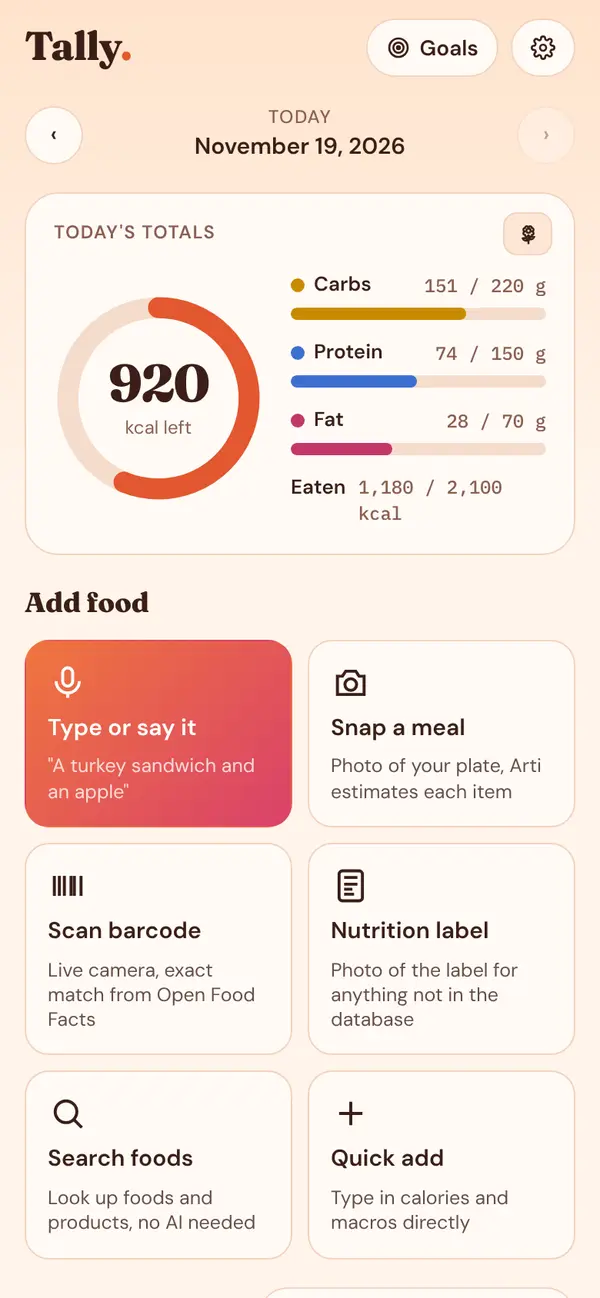
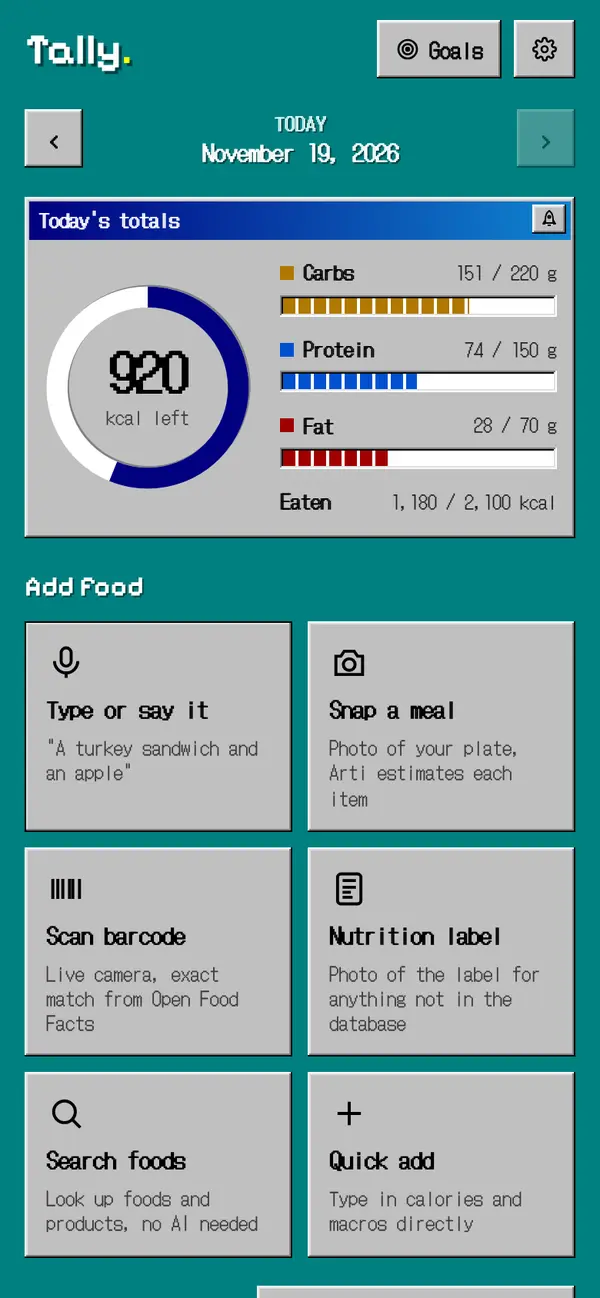
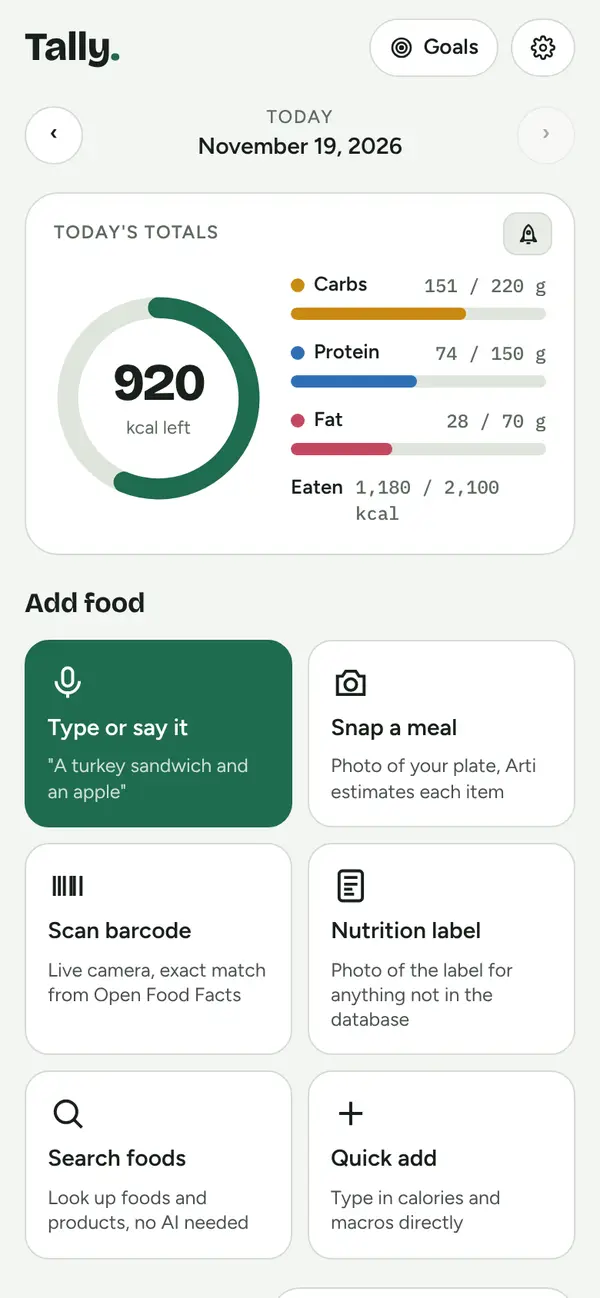
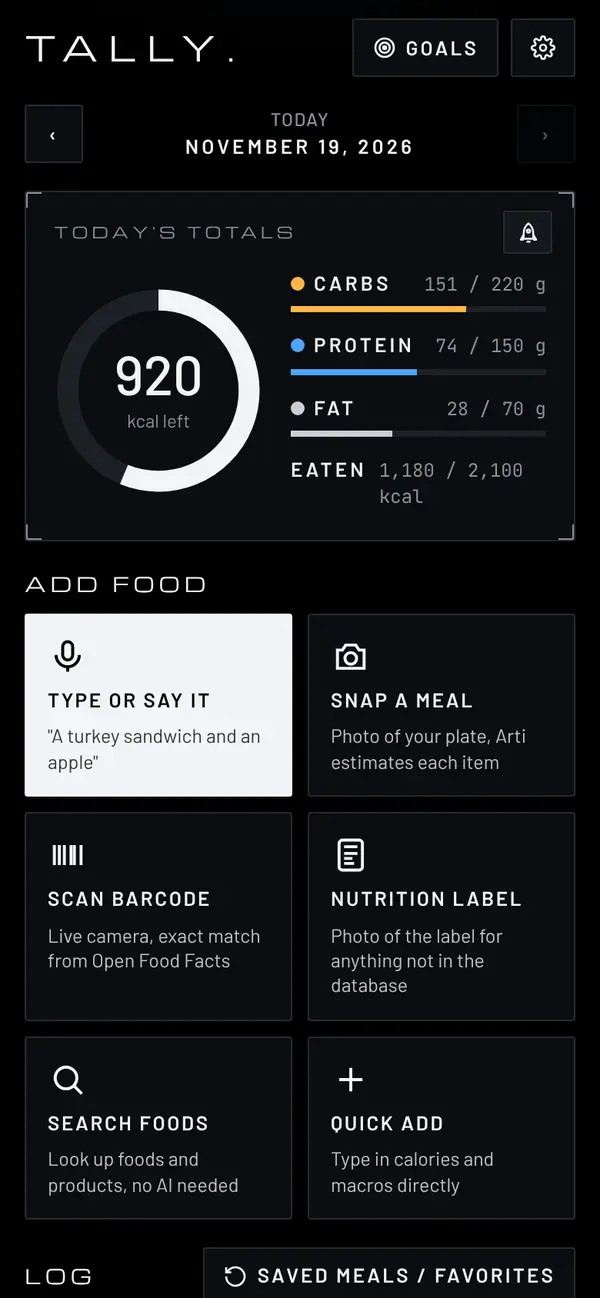
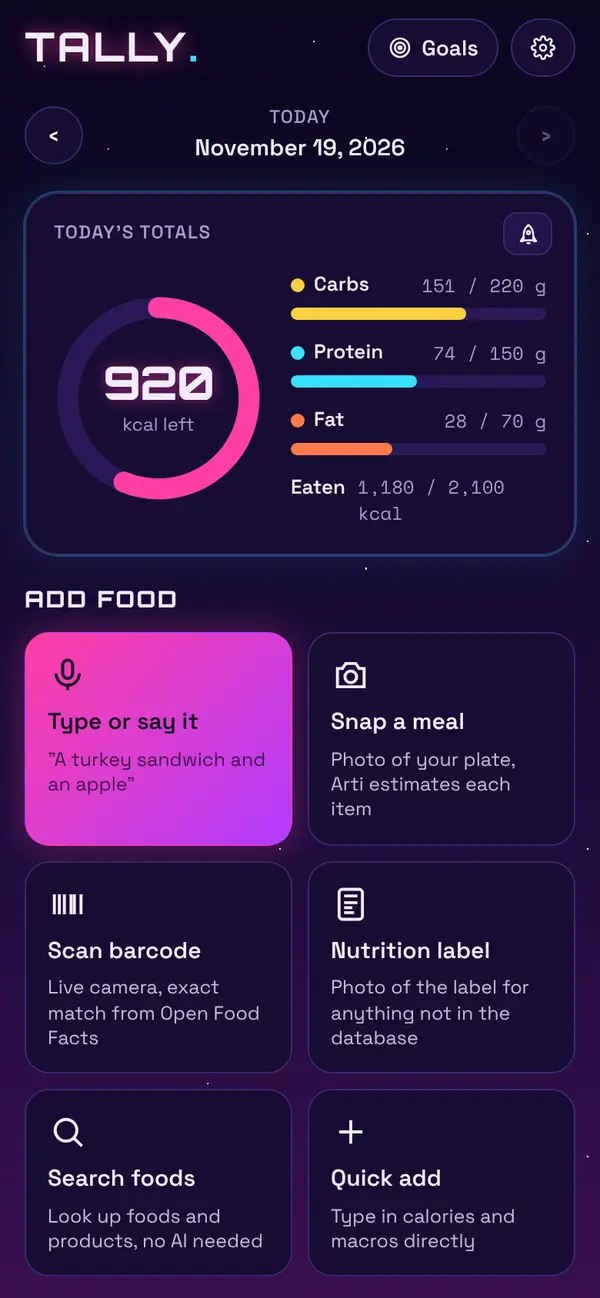
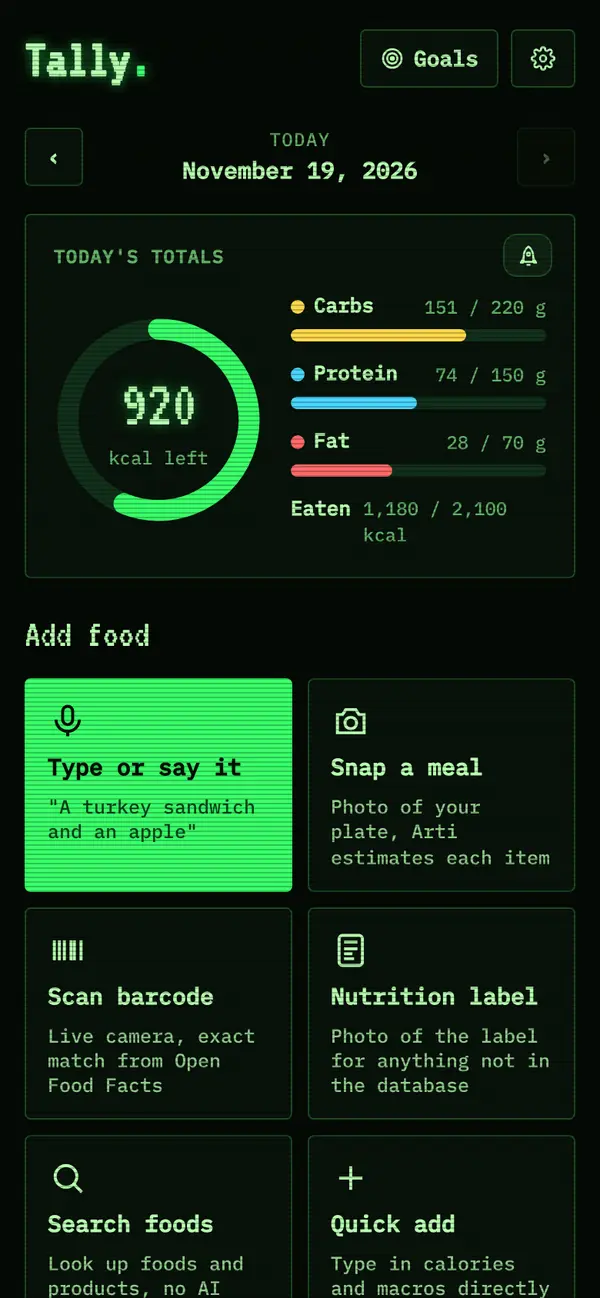
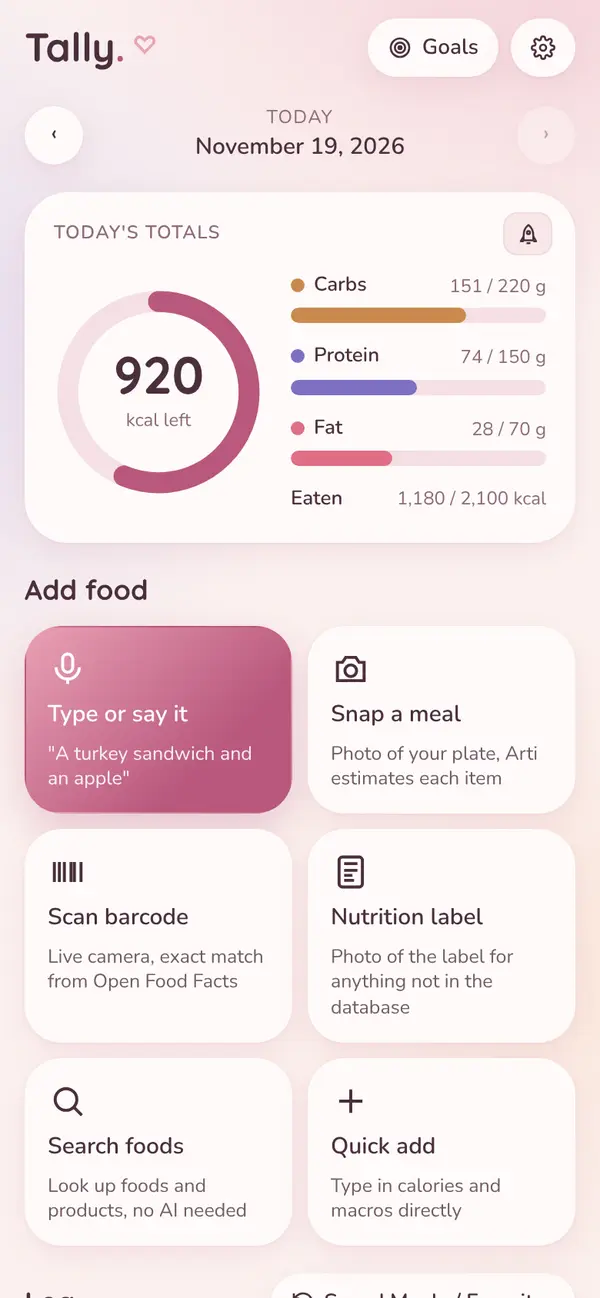
Seven looks. Pick one in Settings.
Same app, different mood. Switch any time from Settings → Theme.
Tap one to try it on this page.
The beta
Free while it's in beta.
Everything in Tally is free during the beta, Arti included, with no ads. Try it on your real meals and tell us what to fix or add at support@tallynutrition.com.
Get it on your phone in 10 seconds.
Tally is a web app, so there's nothing to download from a store. You add it to your home screen from your browser, and it opens full screen like any other app.
iPhone or iPad You
- Open tallynutrition.com in Safari.
- Tap Share . On iOS 26, tap ••• first.
- Tap Add to Home Screen, keep Open as Web App on, then tap Add.
Android You
- Open tallynutrition.com in Chrome.
- Tap the Install button on this page, or open the ⋮ menu.
- Tap Install (or Add to Home screen).
On a computer You
- Click Get it on your phone to show a QR code.
- Point your phone's camera at it.
- Follow the steps for your phone. You can also use Tally right here.
Questions
Good to know
Is it really free?
Yes. Tally is free during the beta, including Arti, and there are no ads. There's a generous daily fair-use limit on Arti breakdowns so the beta can stay free for everyone. Scanning, search, quick add and goals don't use Arti at all.
Why isn't it in the App Store?
Tally runs from the web, so it works on iPhone and Android without a store download. Once it's on your home screen, it opens full screen with its own icon, just like an app.
Do I need an account?
No. You can start logging right away, and your log is saved on your phone. If you'd like it on more than one device, make a free account in Settings → Account. It uses a passkey (Face ID, Touch ID or your phone's PIN), so there's no password or email.
Where does the food data come from?
Barcodes and product search use Open Food Facts, an open database of food labels. Plain foods come from USDA FoodData Central. Meal photos and descriptions are estimated by Arti.
How accurate is Arti?
Arti gives a good estimate, not an exact measurement. You can see every item and amount, change anything, or tell Arti what's off. For exact numbers on packaged food, scan the barcode. Tally isn't medical advice.
I already use Tally on my iPhone. Do I lose my log if I add it to my home screen?
On iPhone, the home-screen app keeps its own copy of your data, separate from Safari. Make a free account in Settings → Account first, then sign in on the home-screen app and your log comes along.
The calorie tracker of the future
Your next meal takes one sentence.
Free during the beta. On your home screen in about 10 seconds.